
Welcome to the M+ Trading Platform Support Center by StockAngel. Here, Angeline Khoo and the team provide clear, simple tutorials to help you maximize your trading experience. Whether you’re funding your account, placing your first order, subscribing to IPOs, or managing stop-loss settings — you’ll find all the answers right here.

Place Order on M+ Global
How to Place Order on M+
Steps: Choose the stock you want (Under "Watchlist" tab, click on the "Search" icon)
1. Under the stock, select 'Buy'
2. Enter trading pin
3. Key in the price
4. Key in quantity
5. Please select 'Not Allow' under 'Fill Outside RTH'
*As this will ensure the execution price of your order is closer to the expected price, and avoid your order being separate.
6. Click 'Confirm' to submit your order
7. It shows "Order Filled," indicating that you have successfully purchased the stock. Scroll down to view the details of your order.
📝Order Type:
Limit order: A limit order is a type of order placed by an investor to buy or sell a stock at a specific price or better. It sets a maximum or minimum price at which the investor is willing to buy or sell the stock. If the stock reaches the specified price, the trade is executed. If the stock doesn't reach the specified price, the order may remain open until the conditions are met or canceled.
Market order: A market order is a type of order placed by an investor to buy or sell a stock at the best available price in the market. It prioritizes execution speed over price and guarantees immediate execution. When a market order is placed, the investor is willing to accept the prevailing market price for the stock. The order is executed as soon as possible at the current market price.
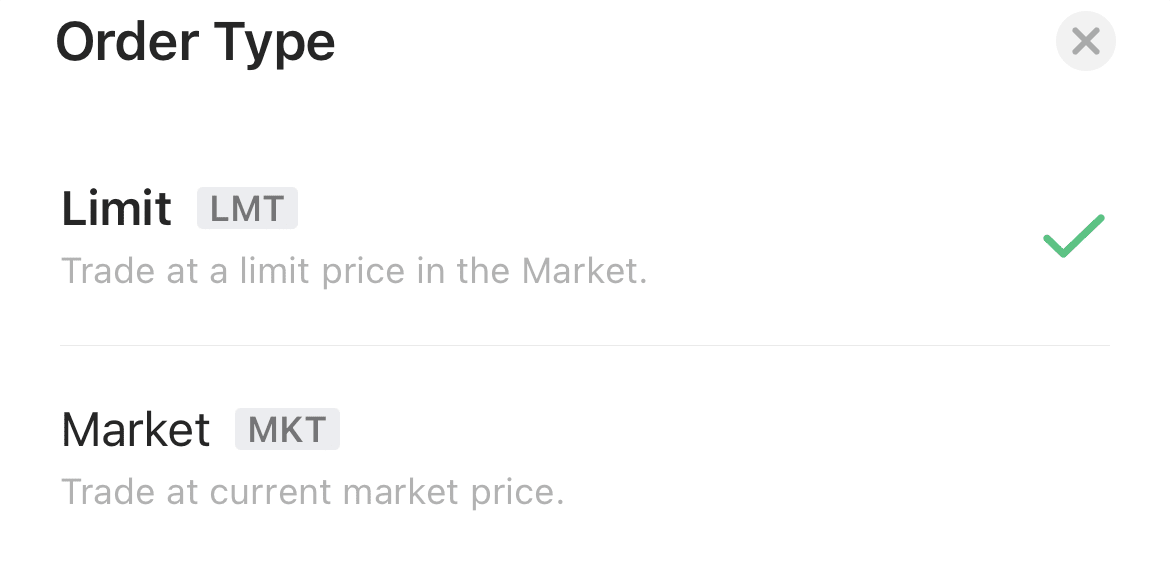
*Note: Choose Limit Order for a specific price; or Market Order for immediate execution.
🕒Fill Outside RTH (Regular Trading Hours):
Allow: "Fill Outside RTH" allows the order to be executed outside of regular trading hours (RTH). It means that the order can be filled before or after the normal trading session, providing the opportunity to take advantage of price movements that occur outside the regular market hours.
Not allow: "Fill Outside RTH" does not permit the order to be executed outside of regular trading hours. In this case, the order will only be eligible for execution during the standard trading session and will not be filled outside of those hours, regardless of any price fluctuations that may occur outside of RTH.

*Note: Choose "Not Allow" to ensure order consolidation and avoid price fluctuations during non-regular trading hours.
Place Order on M+ via website

If you haven't opened your M+ Trading Account yet, click here to open one now.
Get in touch with our team


Assistance Hours
Mon – Fr 9:00am – 5:30pm
Saturday & Sunday – CLOSED